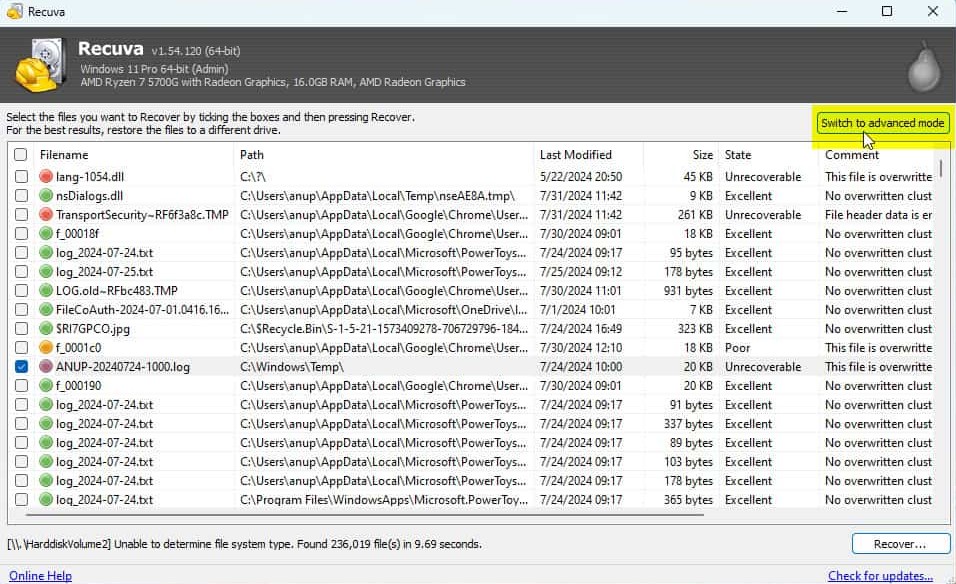
Advanced mode: drives, folders, and file masks
The wizard is built for calm defaults. When you already know the project folder or file type, advanced views let you narrow the target instead of grinding the entire volume. That cuts noise in the list and shortens how long you spend triaging red states.
File masks (for example *.docx or *.cr2) are especially useful after a deep scan when carved files flood the grid. Combine masks with path sorting to pull camera or finance batches first.
If you change scope mid-run, document what you clicked. Incident threads go sideways when two operators assume different drive letters or folder roots. A one-line note in the ticket ("advanced: E: only, mask *.pdf") saves duplicate effort.
Wildcards are simple but easy to mistype: one stray character and you will wonder why the list is empty. When in doubt, run a broader mask once, sort by extension in the UI if available, then tighten on a second pass rather than chasing a typo for an hour.